R
RConvex Raycast Extension
Super excited to share that the Convex extension I created for Raycast just got merged and is ready to use!
This is about to make your life so much better. No more context-switching to the dashboard for quick tasks.
What it does:
Manage Projects – Switch between teams, projects, and deployments instantly. Your selection persists across all commands, so you set it once and forget it.
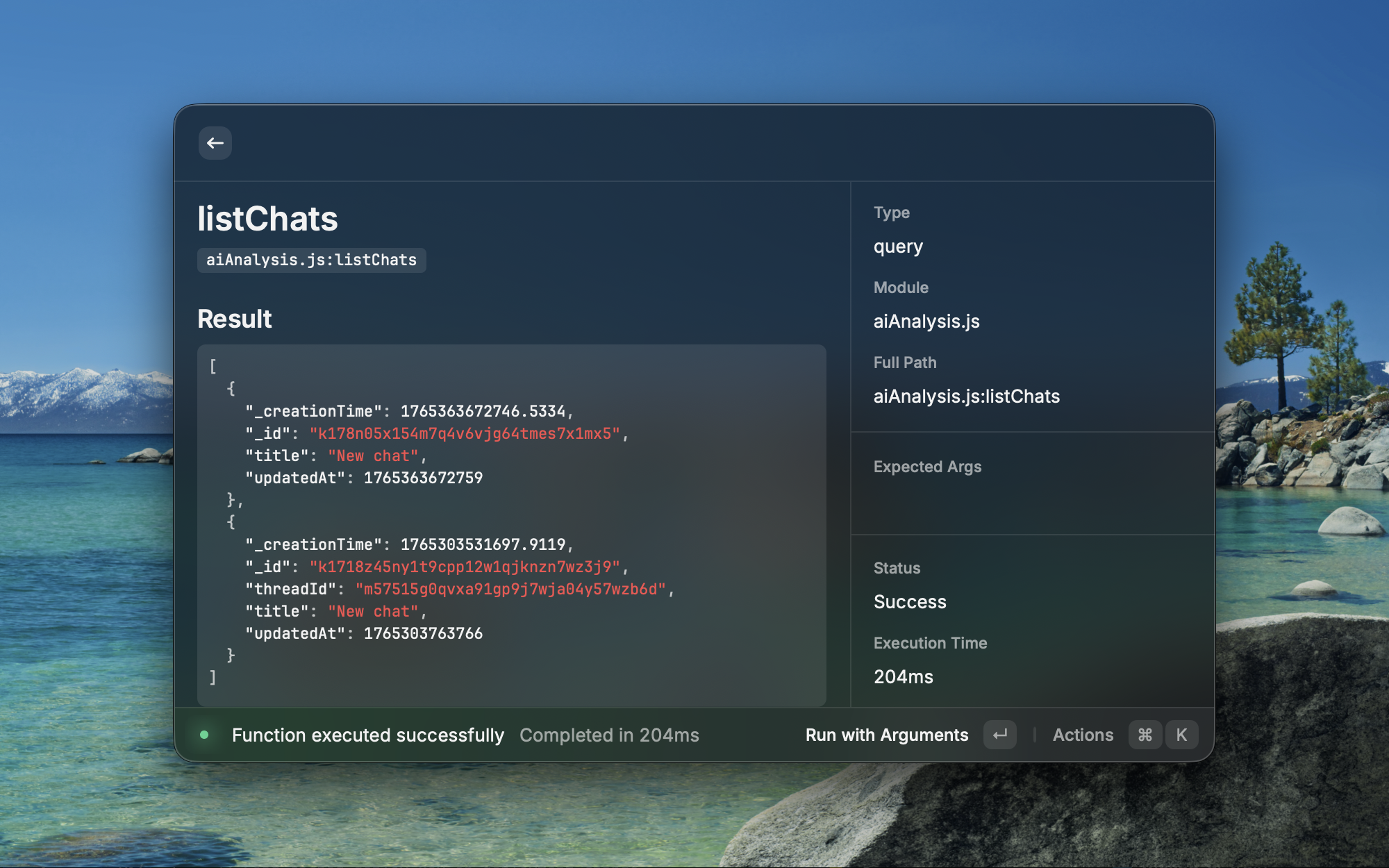
Run Functions – Execute queries, mutations, and actions right from Raycast. Fuzzy search across all your functions, pass JSON arguments with validation, and see results with timing data. Copy results straight to clipboard.
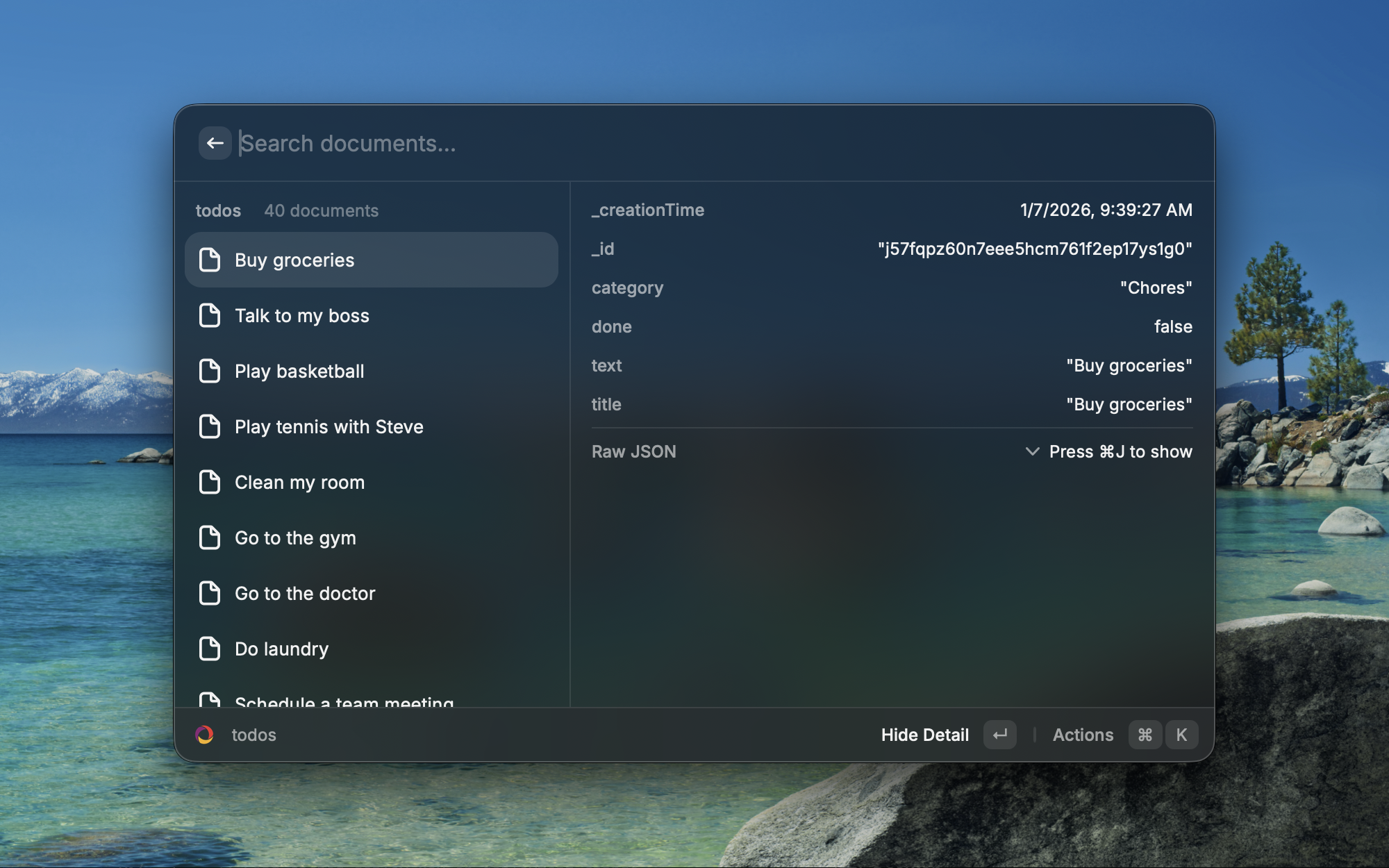
Browse Data – Explore your database tables and documents with pagination. View full document details, copy IDs and JSON, all without leaving Raycast.
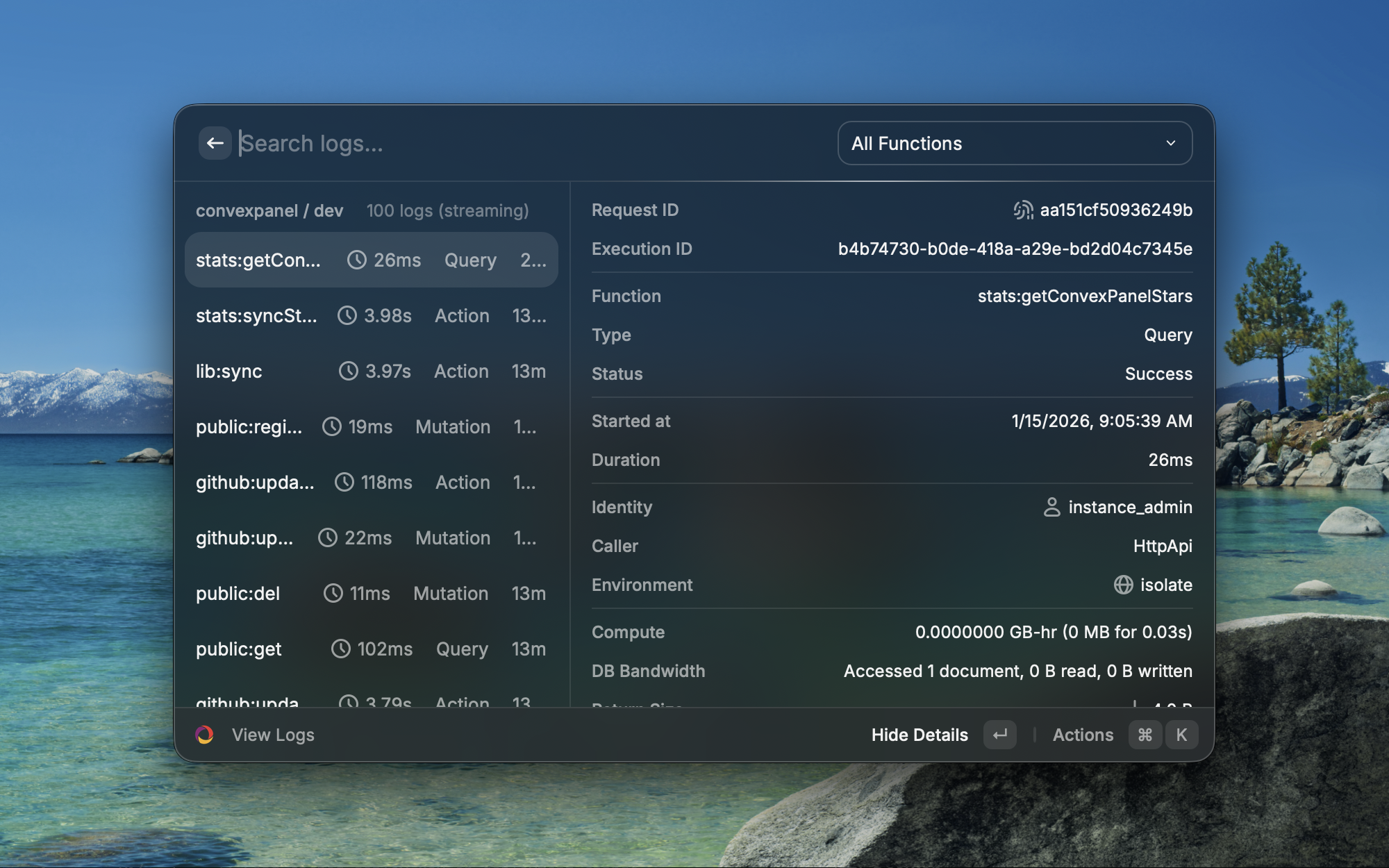
Stream Logs – Real-time function execution logs with call tree visualization showing parent-child relationships. Filter by function name, view console output (collapsible with ⌘+L), and see execution environment details.
Search Docs – Quick access to 60+ Convex documentation articles organized by category. No more alt-tabbing to find that one API reference.
Browse Components – Discover and install from 30+ Convex components with install commands and npm stats right there.
Quick Actions – Open dashboard, copy deployment URLs, switch deployments – all the little things that break your flow are now instant.
The best part? It's all keyboard-first. OAuth authentication (secure, no secrets stored), persistent deployment selection, and shortcuts for everything. Run a query while reading logs while checking a document – all without touching your mouse.
Get started:
https://www.raycast.com/devwithbobby/convex
Install the extension
Authenticate with OAuth using "Manage Projects"
Screenshots attached showing the interface.
Would love to hear what you think if you try it out.
This is about to make your life so much better. No more context-switching to the dashboard for quick tasks.
What it does:
Manage Projects – Switch between teams, projects, and deployments instantly. Your selection persists across all commands, so you set it once and forget it.
Run Functions – Execute queries, mutations, and actions right from Raycast. Fuzzy search across all your functions, pass JSON arguments with validation, and see results with timing data. Copy results straight to clipboard.
Browse Data – Explore your database tables and documents with pagination. View full document details, copy IDs and JSON, all without leaving Raycast.
Stream Logs – Real-time function execution logs with call tree visualization showing parent-child relationships. Filter by function name, view console output (collapsible with ⌘+L), and see execution environment details.
Search Docs – Quick access to 60+ Convex documentation articles organized by category. No more alt-tabbing to find that one API reference.
Browse Components – Discover and install from 30+ Convex components with install commands and npm stats right there.
Quick Actions – Open dashboard, copy deployment URLs, switch deployments – all the little things that break your flow are now instant.
The best part? It's all keyboard-first. OAuth authentication (secure, no secrets stored), persistent deployment selection, and shortcuts for everything. Run a query while reading logs while checking a document – all without touching your mouse.
Get started:
https://www.raycast.com/devwithbobby/convex
Install the extension
Authenticate with OAuth using "Manage Projects"
Screenshots attached showing the interface.
Would love to hear what you think if you try it out.