S
SIssues when adding additional fields to the user schema in Convex + Better Auth
So I am using the Local Install method to create my schema and setup convex with better auth.
I'm following the processes in the guide docs for convex and better auth.
https://convex-better-auth.netlify.app/local-install
The issue is that the scheme is being generated when I run the following command:
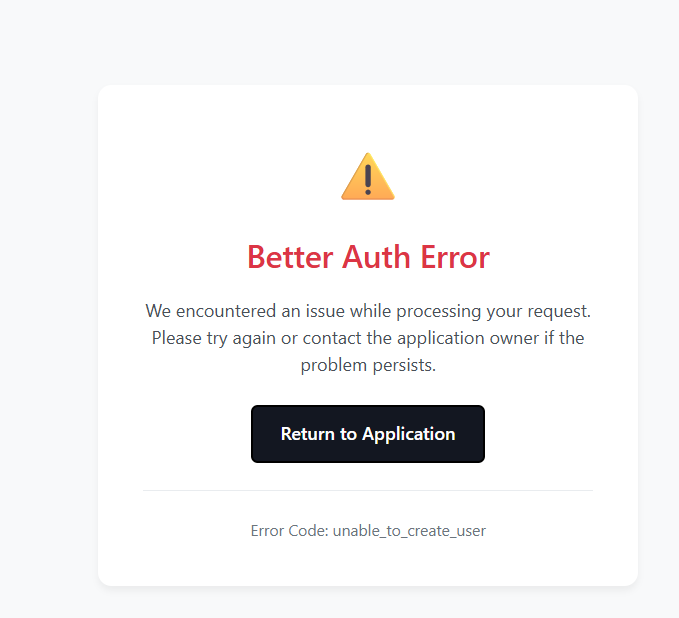
I can see the additional fields that I setup for my table in this generated file but when I try to login now I get an error from betterauth saying unable to create user.
Note: Everything was working until I added additional fields.
Additional fields in my auth.ts file:
I'm following the processes in the guide docs for convex and better auth.
https://convex-better-auth.netlify.app/local-install
The issue is that the scheme is being generated when I run the following command:
I can see the additional fields that I setup for my table in this generated file but when I try to login now I get an error from betterauth saying unable to create user.
Note: Everything was working until I added additional fields.
Additional fields in my auth.ts file: